17.06.2026
Author: Roger Kaspar
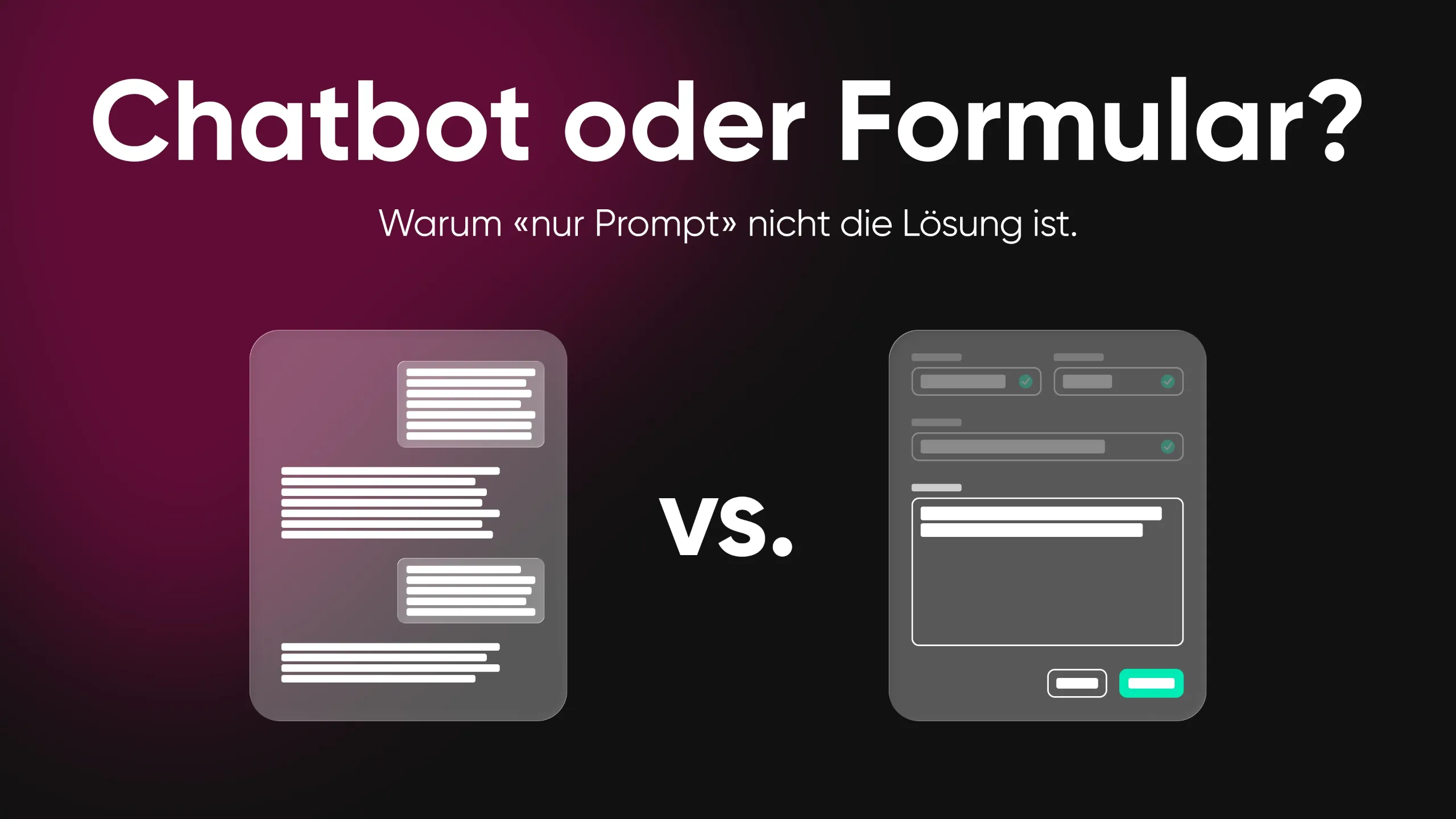
Ever since ChatGPT, everyone knows the prompt. For 30 years, everyone has known the form. And right now, we are watching the tech industry try to replace one with the other. Both sides are wrong.
The debate is currently dominated by two extremes. On one side are the conversational AI enthusiasts who want to replace every dropdown and every form field with a chatbot. On the other side are the interface traditionalists who stick to proven click paths and see AI as little more than a nice extra.
The truth, as so often, lies not in the middle but in the intelligent combination. And that combination is harder to design than either of the two extremes on its own.
Why “prompt only” is not the solution.
The system often knows more than the user
In many business applications, the backend already contains a large share of the relevant information: customer profile, contract history, location data and previous behaviour. A service worker portal, for example, already knows which customer is calling, what contract they have and which disruptions are currently active in their region.
The problem with the prompt is this: if the system already knows 80% of the answers, why should the user have to formulate that information laboriously in natural language first? A prompt interface forces the user to provide context the system already has. That is not only inefficient, it also feels dumb.
Example: A service technician on site needs to document a fault. The system already knows the customer, the location, the affected installation and the open tickets. A prompt field where the technician has to type everything in ignores that knowledge. An intelligent interface displays the prefilled data and only lets the technician add what is missing.
Making options visible instead of forcing users to guess
Jakob Nielsen’s usability principle “Recognition over Recall” also applies in the age of AI. If there are five possible next steps, it is more efficient to show those five options than to make the user guess which wording the AI will understand.
The prompt paradox: the more powerful a system is, the harder it becomes for the user to understand what it is capable of. Nielsen Norman Group calls this the “articulation barrier”: the gap between what a user wants and what they are able to express in words.
Example: A product configurator for awnings offers 200+ fabric options, different frame materials and dimensions. A purely prompt-based interface would force the user to describe something they need to experience visually. No prompt in the world can replace browsing through a fabric palette with colour swatches, whether physical or digital.
Validation and error prevention
Forms have an underrated advantage: they validate input in real time. A date field only accepts valid dates. A dropdown limits input to available options. A checkbox makes binary decisions unambiguous.
Prompt interfaces have not solved this problem yet. Natural language is ambiguous, context-dependent and error-prone. If a user says “next Tuesday”, do they mean the coming Tuesday or the one after? If a system triggers critical business processes based on such input, ambiguity becomes a risk.
Speed for familiar tasks
For repetitive, familiar workflows, classic interfaces are simply faster. An experienced user clicks three buttons in two seconds. Describing the same action in a prompt takes twenty seconds, even if the AI understands everything perfectly.
Various usability tests have shown, for example, that when entering structured data such as name, email and phone number, classic forms are significantly faster to use than conversational interfaces.

Why “clickable frontends only” are not enough either.
The prison of predefined paths
Every classic interface represents exactly the interactions a designer anticipated in advance. What happens when the user wants something that is not in the menu? They search, click through hierarchies, give up in frustration or call support.
The cost of the unforeseen: in complex applications such as customer portals, service platforms and B2B tools, edge cases often outnumber standard paths. Classic UIs can only map this complexity through ever deeper menu structures or more and more special pages. That leads to bloated, hard-to-maintain interfaces.
Example: An insurance customer portal offers self-service for address changes, claims reporting and document downloads. But what if the customer wants to ask: “Am I insured on my next trip to Thailand?” No classic menu covers that question. An AI layer can answer it.
The illusion of simple navigation
As functionality grows, classic UIs inevitably become more complex. Hamburger menus, nested navigation, tabs within tabs — at some point only the power user still knows their way around. Occasional users are left facing a maze.
Conversational AI solves this problem elegantly: the user describes their goal in their own words, and the system guides them there. This is especially valuable for functions that are used infrequently and are therefore hard to find. Here too, we come back to Nielsen’s “Recognition over Recall”.
Products and processes that require explanation
Some interactions are too complex for pure click paths. If a customer wants to put together tailor-made insurance cover, they need not only selection fields but also explanations, context and guidance.
Classic interfaces solve this with tooltips, info icons and FAQ links. But let’s be honest: hardly anyone clicks on the little “i” symbol. A conversational layer can answer questions that arise in context without interrupting the flow.t
Natural language for fuzzy requests
Not every user intent can be translated into filter criteria. “I’m looking for a sturdy hiking shoe for light terrain, but it should also look good in the city.” That is a request no dropdown filter in the world can represent. An AI that understands natural language can translate such fuzzy wishes into concrete product recommendations.
Accessibility and inclusion
For users with motor impairments, visual impairments or low digital affinity, a voice interface may be more accessible than a complex GUI. The ability to express a request in their own words instead of navigating through menus significantly lowers the barrier to entry.
The mix: the best of both worlds.
The principle: “Conversation to Start, UI to Finish”
The most effective combination follows a clear pattern: AI helps with getting started, understanding and navigating, while classic UI elements take over when it comes to selection, configuration and confirmation.
The user starts with a guided chat interface that already shows an initial set of commonly used pre-selections. If none of the options apply, the AI can present suitable suggestions based on a written description of the request. Depending on the context, these may already be prefilled forms, suitable product lists or further guidance. The AI presents the right suggestions and the user can either confirm them or refine them further. In this way, the user’s cognitive load is reduced and they are guided through an efficient and structured process.
Patterns for the hybrid approach
- Pattern 1: AI as triage, UI as execution
The conversational layer understands the request and routes the user to the right process. From there, the classic UI takes over. (E.g. customer portals, service desks, government websites)
- Pattern 2: AI as advisor, UI as configurator
The AI asks questions, understands needs and makes recommendations. The actual product configuration takes place in a visual interface.(E.g. guided selling, product configurators, advisory tools)
- Pattern 3: AI as assistant, UI as cockpit
In data-rich work environments, the dashboard remains the central hub. The AI sits “next to it”, answers questions about the data displayed, suggests actions or provides summaries. (E.g. contact centre dashboards, analytics platforms, CRM systems)
- Pattern 4: UI as standard, AI as escape hatch
The interface works in a classic way for all predefined paths. When the user reaches a limit, they can switch to the AI layer at any time: “I can’t find what I’m looking for” or “What does this option mean?”(E.g. self-service portals, e-commerce, complex forms)
- Pattern 5: AI-generated UI (Generative UI)
The AI generates tailor-made interface elements in real time: a form containing exactly the fields relevant to this specific case. Not a standard screen but a dynamically assembled interface. (E.g. onboarding flows, adaptive forms, personalised dashboards)
Conclusion: use context instead of asking for it
Back to the starting point: if the system has context, it should use it. The best hybrid interface shows the user what it knows and only asks for what it does not know. That means:
- Prefilled fields based on customer profile, history and context
- Intelligent defaults that suggest the most likely option
- Progressive disclosure: only show the fields relevant in the current context
- Conversational fallback: if the user is unsure, they can ask instead of click
Prompt augmentation: clickable elements in chat
Even within a chat interface, not every input needs to be typed. The best conversational UIs work with “prompt controls” — clickable elements within the dialogue:
- Quick replies: predefined answer options as buttons
- Inline forms: structured input fields within the chat flow
- Carousels and cards: visual product displays for browsing
- Sliders and toggles: for numerical values or yes/no decisions
This creates not a pure chat, but a dialogue with visual anchor points. It is faster, more precise and less error-prone than pure text.
The form is not dying. It is getting smarter.
The form, the dropdown and the button will not disappear. But they will no longer stand alone. The future of customer interaction belongs to interfaces that know when to ask and when to show. Interfaces that present options when the user needs orientation and listen when they want something unexpected.
The hardest part is not the technology. LLMs can understand natural language today, and classic UI frameworks are mature. The hardest part is designing the transitions: when does the interface switch from dialogue to structure? How does that transition feel seamless? How do you prevent the user from losing the thread?
That is not a technical question. It is a UX question. And that is exactly why companies that master both conversational AI and classic interface design will make the difference.
The question is not: form or prompt?
The question is: where does the conversation begin, and where does the interface take over?
Are you facing this very question of how AI fits into your customer interaction? We help you find the right mix — from strategy to implementation.
Interested in an exchange on the topic of «hybrid interfaces»?
Contact Roger:

Learn more about customer experience and digital interfaces

Customer Interaction in the Age of AI

Blog post «Digital Sales»